![image-1.png]](https://24983242.hs-sites-eu1.com/hs-fs/hubfs/image-1.png?height=42&name=image-1.png)
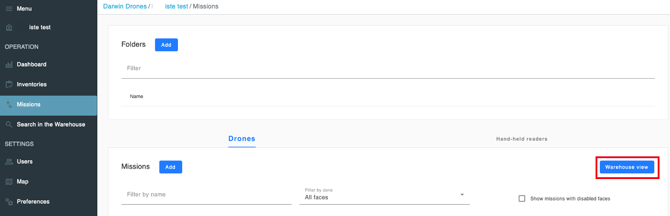
Warehouse View: This feature allows you to view your warehouse from a top-down perspective. Within the Missionsmenu, by clicking 'Warehouse View', you will be able to:
-
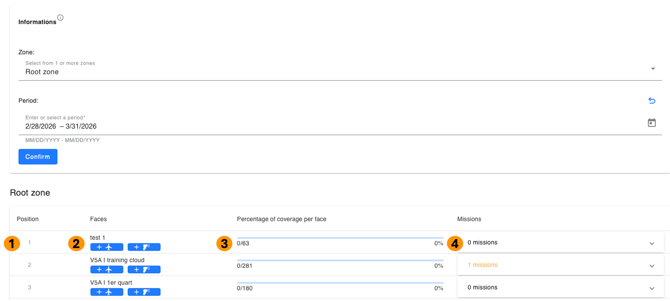
Reorder your rack faces to match the actual physical layout of your warehouse.
-
Create drone or handheld reader missions directly from this space (if applicable).
-
Track the inventory progress for each rack face.
-
See how many missions have been completed on each face
Legend:
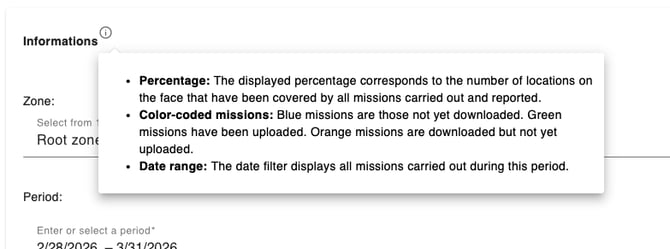
You can access a brief legend by clicking the 'i' (Information) icon. It provides a detailed breakdown of the mission color codes, as shown below: